Boost
Boost



8 Server Boost (1 Month)
1 month∞ Unlimited$11.99
PurchaseShop affordable Discord Nitro and server boosts with clear pricing, flexible durations, and simple requirements. Choose a package, then complete your order through secure checkout.
Find the decoration that feels like you.
Give your profile a little more personality, for less.
Prices shown in product currency. Your final total, available payment methods, and product requirements are confirmed at checkout.
Available payment methods are confirmed at checkout.
THE DETAILS THAT MATTER
Product terms, checkout totals, and delivery information stay clear from selection through support.
See the boost count, duration, and price together before choosing.
Product-specific requirements and coverage stay attached to the package.
Package, duration, quantity, and the current total are presented together before checkout continues.
Keep your order reference handy when contacting the Discord team or following delivery instructions.
Illustrative previews. Prices, payment options, and delivery details are confirmed for your order.
Choose a package, confirm your details, and follow your order after payment.
Compare packages, durations, and prices. Check the product requirements before you buy.
Enter your details and choose an available payment method. Confirm the final total before paying.
Track your order and follow its delivery instructions. Timing depends on your product and payment method.
Explore community growth strategies and watch our boosting workflow.
Practical ways to attract active members and build a community people want to join.
Watch on YouTubeSee BoostMania's automated boosting workflow and product experience in action.
Watch on YouTubeRead customer feedback on Trustpilot or talk to our community before choosing your package.
See what customers have to say.
Questions welcome. We’re here to help.
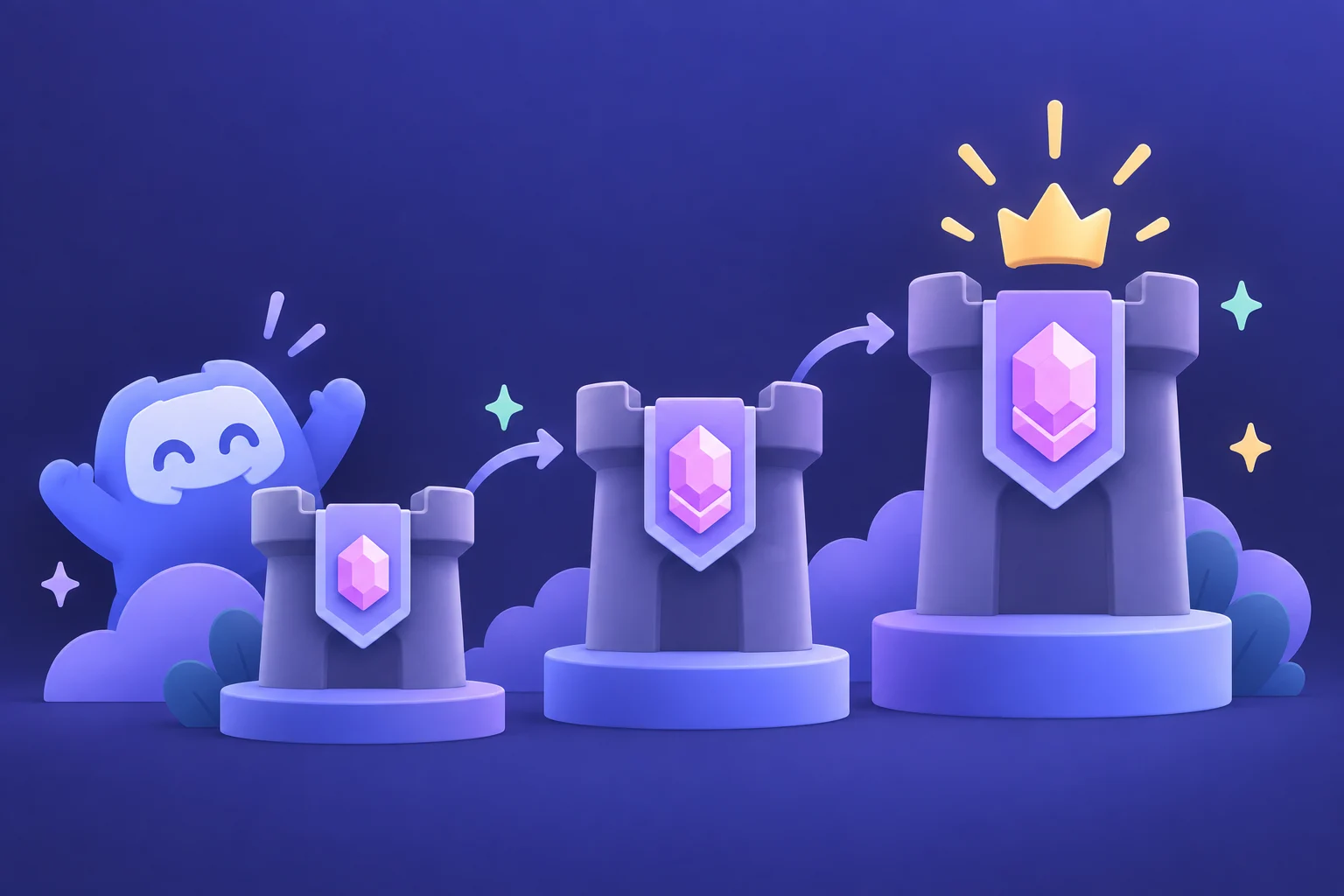
See what changes at each level and choose the right upgrade.
Read the guideExplore Nitro features and find the plan that fits your account.
Read the guideUnderstand the difference between account and server upgrades.
Read the guideChoose a package and provide the server information requested at checkout. Boosts unlock server perks while they remain active. The package specifies the duration and delivery requirements.
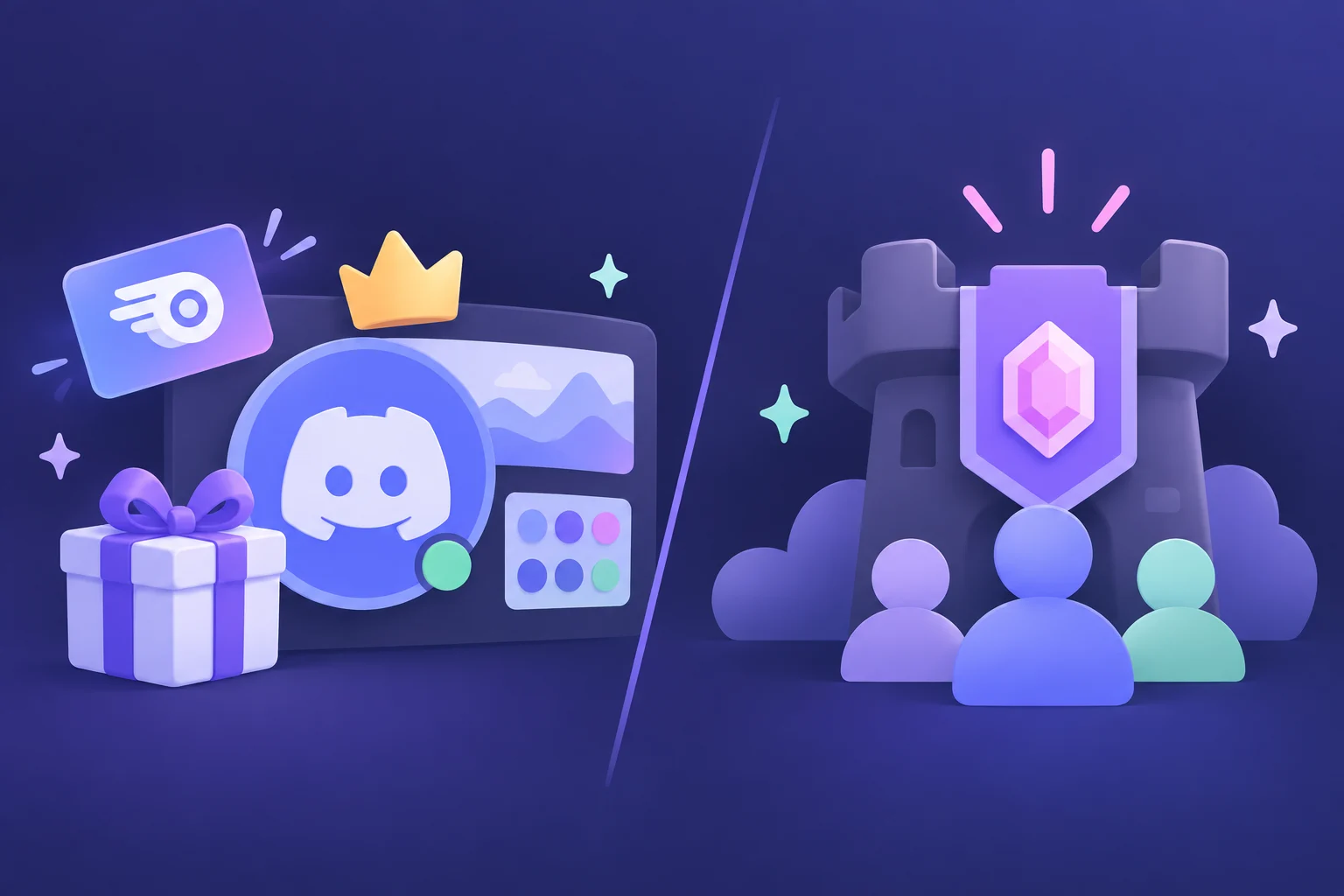
Nitro upgrades your own Discord account. Server boosts upgrade a community server. Choose Nitro for personal features, or a boost package for your server.
Delivery depends on the product and payment method. Check the product details before buying. Payments that need network confirmations or manual review can take longer; your order page will show its current status.
Checkout shows the payment methods available for your selected product and the final total before payment. Availability can vary by product, currency, and location.
Contact our team through the official BoostMania Discord with your order reference. Check the product warranty and terms of service for the coverage that applies to your purchase.