Boost
Boost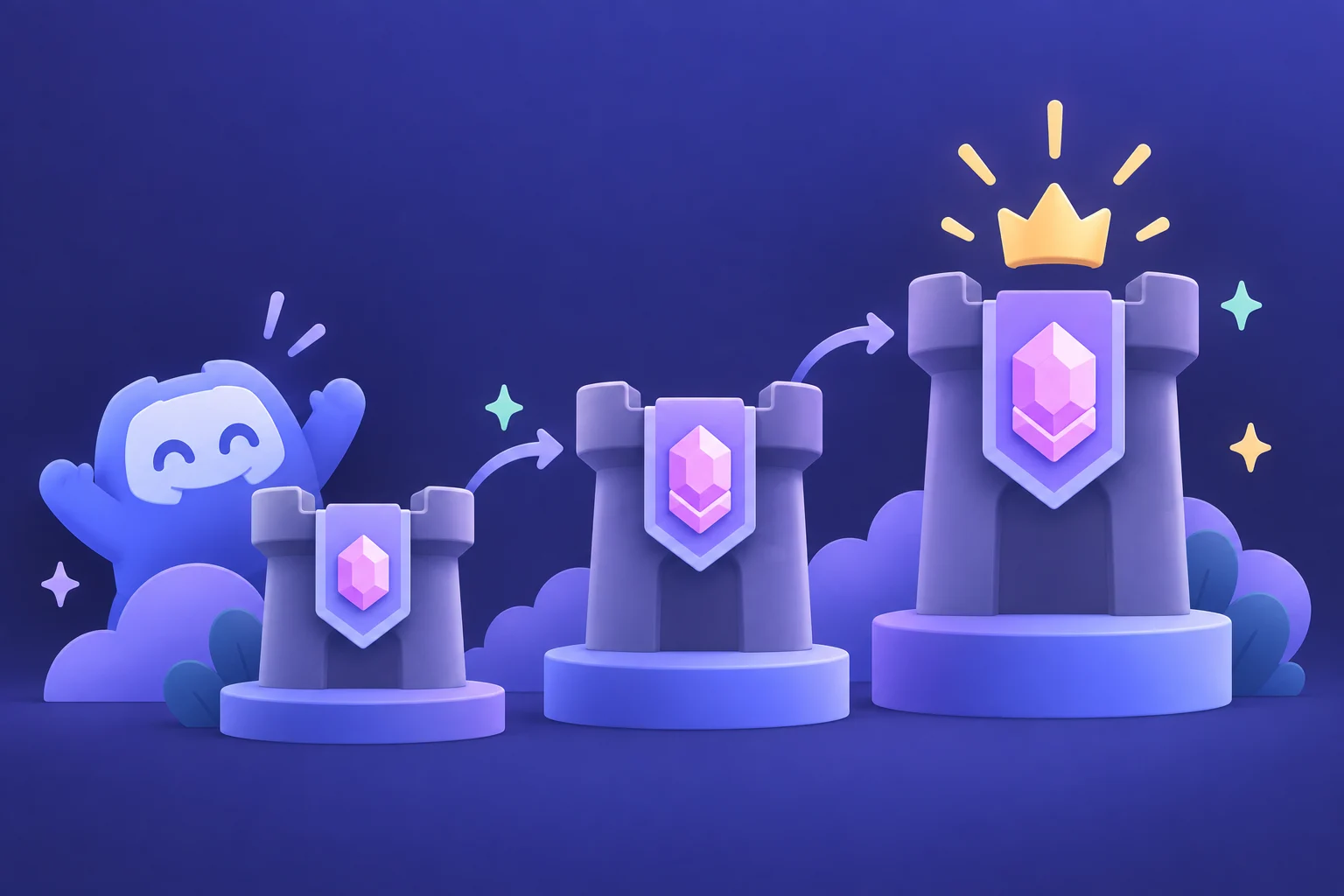
The essentials
The three server levels
Discord’s published thresholds are 2 boosts for Level 1, 7 for Level 2, and 14 for Level 3. The thresholds refer to boosts allocated to server level progression.
Additional perks can have separate boost allocations. Check your server’s Boosts screen instead of assuming the total displayed elsewhere all counts toward the next level.
Buy for the gap
If your server has 9 boosts counting toward level progression, the gap to Level 3 is 5. An available package may exceed that gap, so compare its price and duration with your needs.
A larger number is not automatically a better purchase. Decide which features your community will use, and review their current requirements in Discord.
Keep the duration in mind
A server level depends on active boost support. Plan ahead for the end of a package and check the replacement terms that apply to it. Do not interpret a package name as a guarantee that every perk will remain unchanged indefinitely.
- Check the current level and allocations in server settings.
- Choose the target level based on useful features.
- Compare package duration and total cost.
- Keep the order reference if you need delivery support.
Find the upgrade that fits.
Compare current packages, then check the product requirements and total before you buy.
Explore BoostMania products