Boost
The essentials
The purchase route matters
Discord provides an in-app gifting flow. A third-party listing requires additional checks of the seller, deliverable and eligibility; this guide does not certify a particular seller or guarantee that an offer will work for your account.
Read what the seller promises to deliver. If you expect a gift link, instructions asking for account access are a reason to stop and clarify. HTTPS protects the connection, but it does not prove that a site’s operator or product is trustworthy.
Recognize the login trap
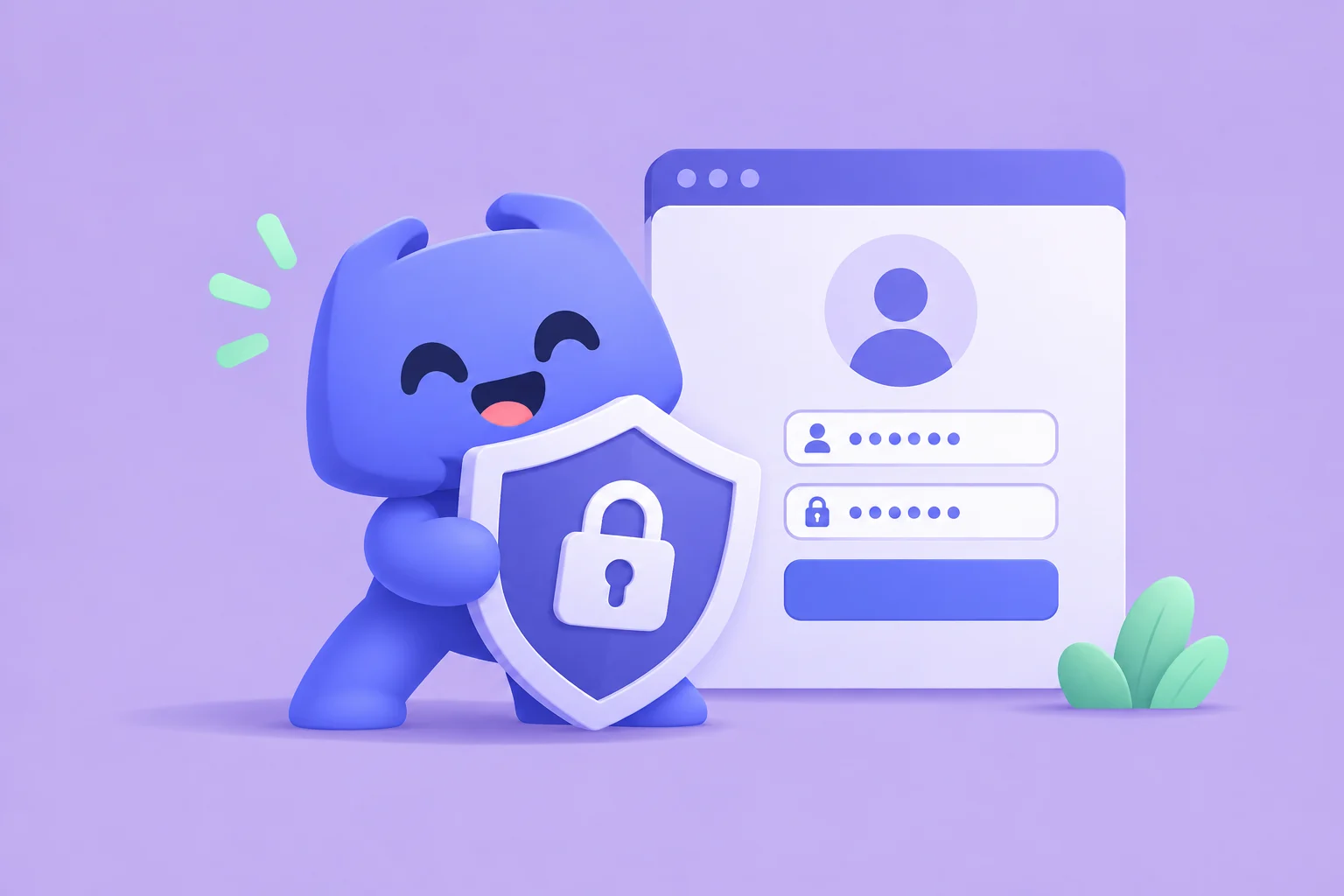
Discord’s account-security guide explains that its QR scanner authorizes a login. A stranger’s ‘scan to claim Nitro’ request can therefore give someone access to your account. Open Discord yourself when checking a gift rather than trusting a login page reached through an unexpected message.
- Never send a seller your password, account token, authentication code or backup codes.
- Do not run a downloaded program or paste a script into developer tools to redeem a gift.
- Check the actual address for misspellings; a Discord logo alone proves nothing.
- Treat urgency, threats and unknown support accounts as reasons to pause.
Confirm the recipient before claiming
Discord’s gift-claiming FAQ says a gift accepted on the wrong account cannot be transferred or replaced by Discord. Check the account in the confirmation window, particularly if you use multiple accounts or share a browser.
After acceptance, check Subscriptions rather than relying on a seller’s screenshot. If a gift reports that it was already claimed, preserve the error and order reference. Keep the gift itself out of public screenshots and support threads.
If something goes wrong
For a delivery or eligibility dispute, use the seller’s verified support channel and explain the expected product, result and exact error. Do not buy another copy simply to test whether the first one worked.
If you authorized a suspicious QR login, follow Discord’s security guidance and change your password immediately. Use official Discord support for account compromise. For an ordinary purchase decision, the offer-comparison checklist helps you review the terms before payment.
Find the upgrade that fits.
Compare current packages, then check the product requirements and total before you buy.
Explore BoostMania products